
The Tree field lets you choose a value structured in a parent-child hierarchy.
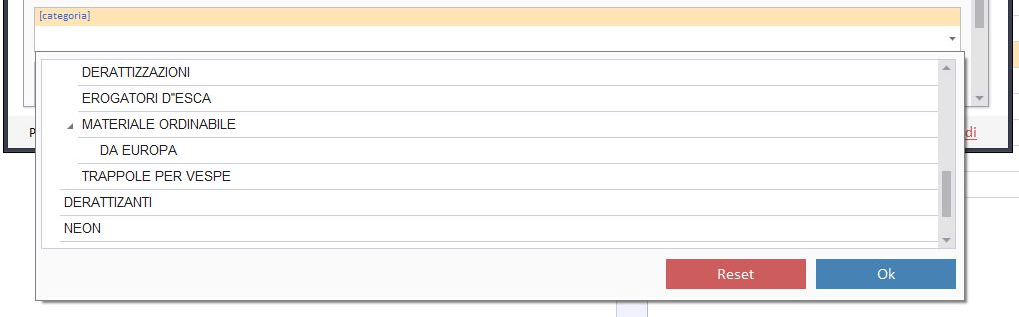
Once the list is open, you can select one of the tree items to save it in the field.
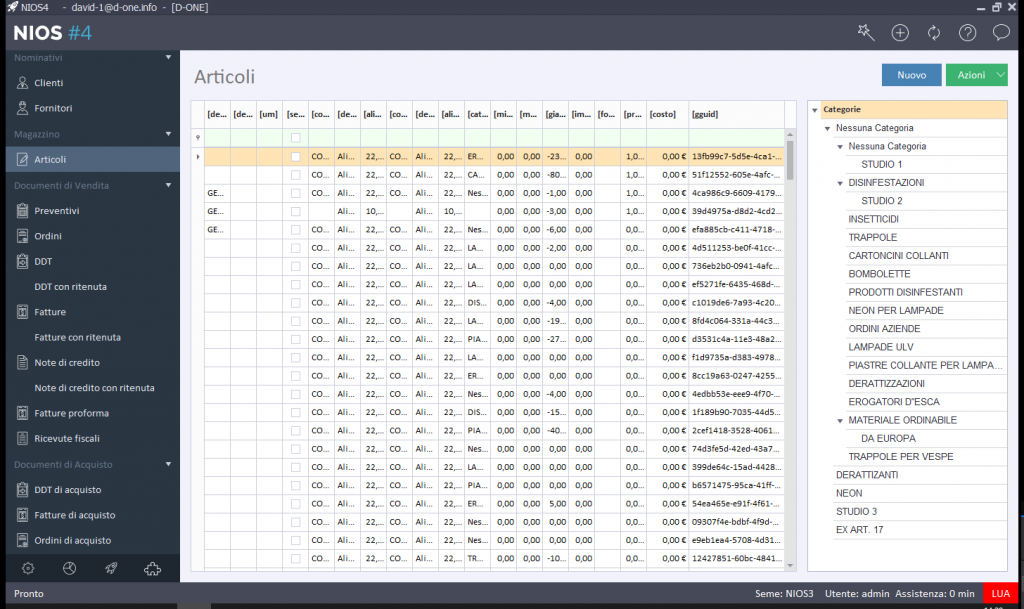
This field is normally used through a Record section to filter data quickly. By clicking one of the items, the program shows only the data belonging to that category.
The Tree field creates an additional field in the database to store the GGUID reference of the selected node. For example, if you create the field Categoria, the program automatically creates the field dat_categoria. This field is only visible if the database is opened with other programs.
At the moment this field type can only be used on Windows devices. Trees are created and edited on the dedicated page in the Options section.
Field Parameters
Tree choice
Selects the tree to associate with the field.