
Splitters let you create rules for dividing numeric values in the tables over time.
For example, you can create a payment due at 30 and 60 days: the splitter tells the program that the total value must be divided in two. The first part will be dated 30 days and the second 60 days after the record’s reference date.
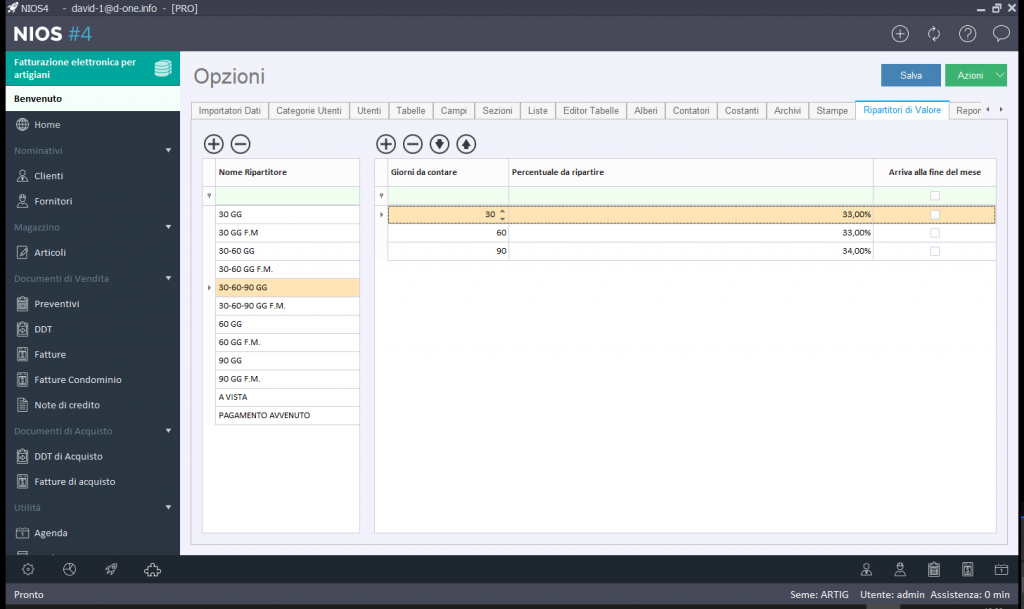
The left column shows all the splitters.
Here you can add a new splitter, or delete an existing one if it isn’t associated with any field.
When you select a splitter, the data stored in it is shown.
The End of month flag automatically moves the date to the end of the calculated month.
You can add, delete and reorder the data with the dedicated buttons.
Remember to save to confirm the changes.
To be used, value splitters need a splitter field in the table.