
Lets you create and manage data trees. To be used, trees must be associated with a Tree field in a table.
To create a new tree, use the Add button of the right-hand grid. To see the data, select the tree name and its structure is loaded on the left.
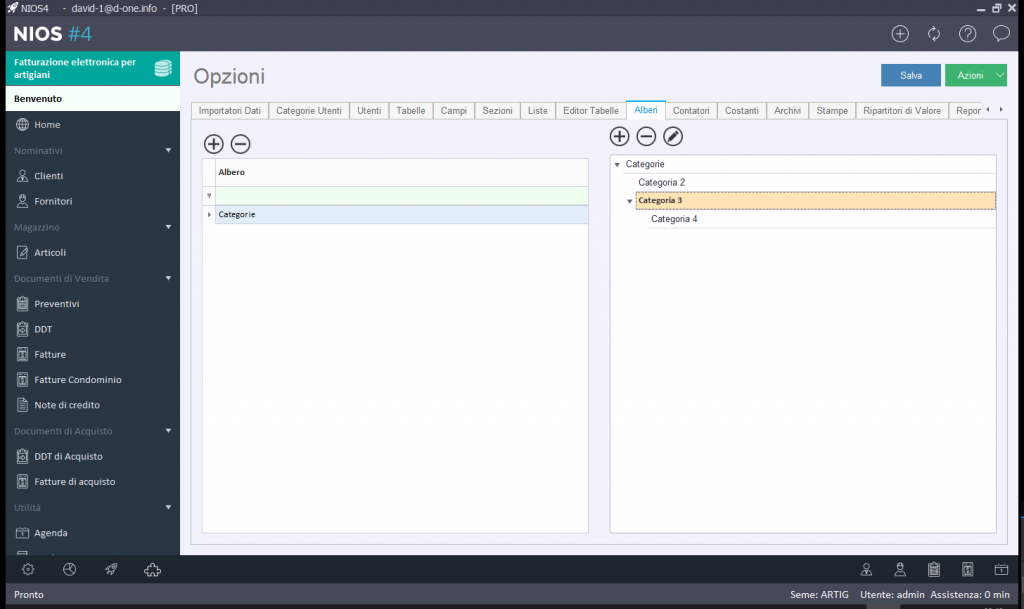
To add a node, select the parent node and click Add. To rename a node, select it and click Rename.
Remember to save to confirm the changes.