
You can set up modifiers to change the values of several fields at once. Remember that the modifiers must be included in the expressions for them to work. Modifiers can only be applied to the main additional table of documents.
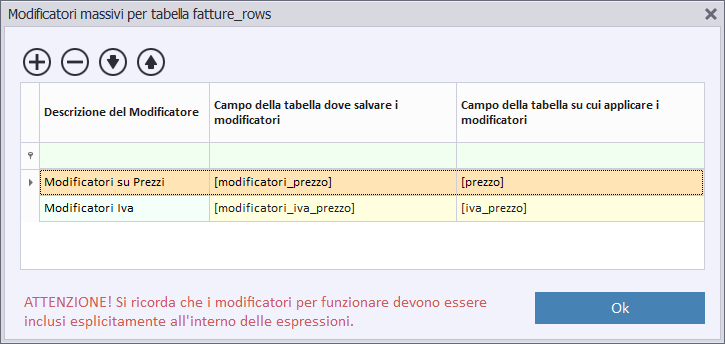
Modifier description
The label of the modifier shown in the selection menu.
Table field where the modifiers are saved
The field where the value modifier sequence is saved.
Table field the modifiers are applied to
The field the modifiers will be applied to.