
This page manages all the lists in the database.
These lists are accessed through the fields linked to them.
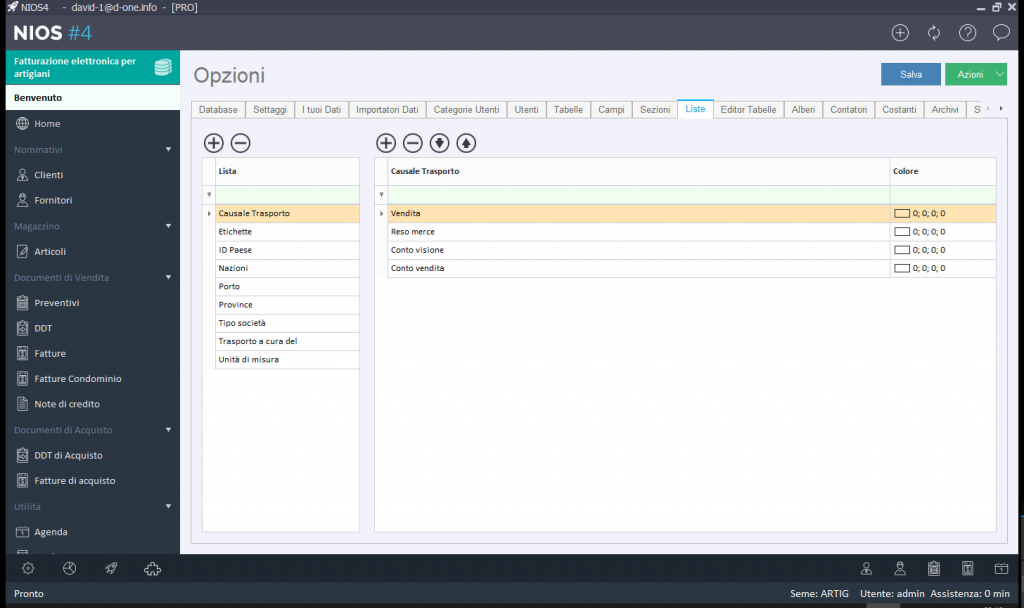
The left column shows all the lists.
Here you can add a new list, or delete an existing one if it isn’t associated with any field.
When you select a list, the data stored in it is shown.
You can add, delete and reorder the data with the dedicated buttons. Remember to save to confirm the changes.