
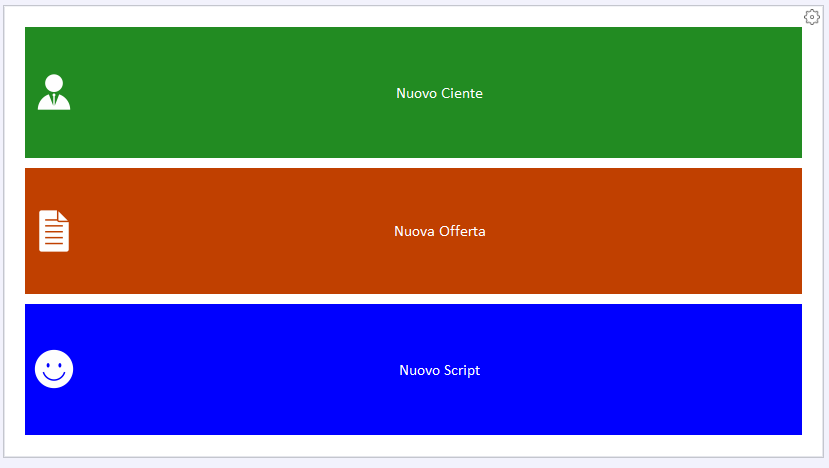
This widget creates a programmable button panel.
Widget Parameters
In this screen you can create and order the buttons shown in the widget.
Label
The button label
Label Text
The text color
Field Background
The button background
Icon
The icon applied to the button
Width
Sets the button width: full, half or a quarter of the widget width
Set
Opens the sub-window for setting the actions run when the button is pressed. The actions run in the order assigned. The available actions are the same as for the Button field. The only difference is that the scripts to use are of type "Program Button".