You have a dedicated web panel for managing all the Cloud Databases of your account at www.nios4.cloud:
– Order summary
– Full view of all the databases created
– Activation / Renewal
– Data export
– Database deletion
– Account deletion
– Account and billing details
– Privacy consents
Sign in to your account from www.nios4.cloud.
Click ACCEDI (Sign in) on the right and enter your registration email and password. Once signed in, click “Account Nios4” at the top right, as shown below.
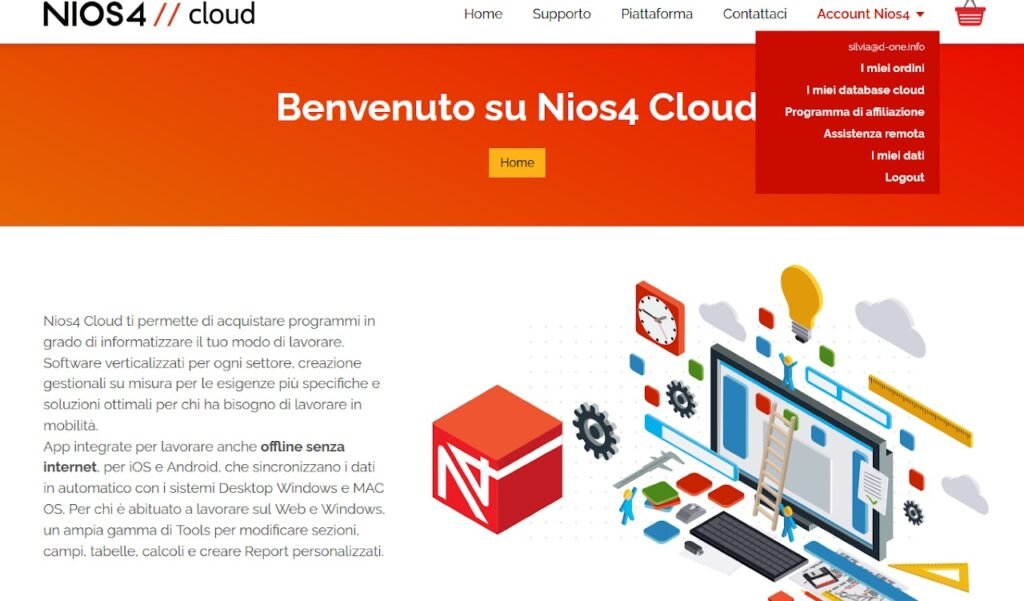
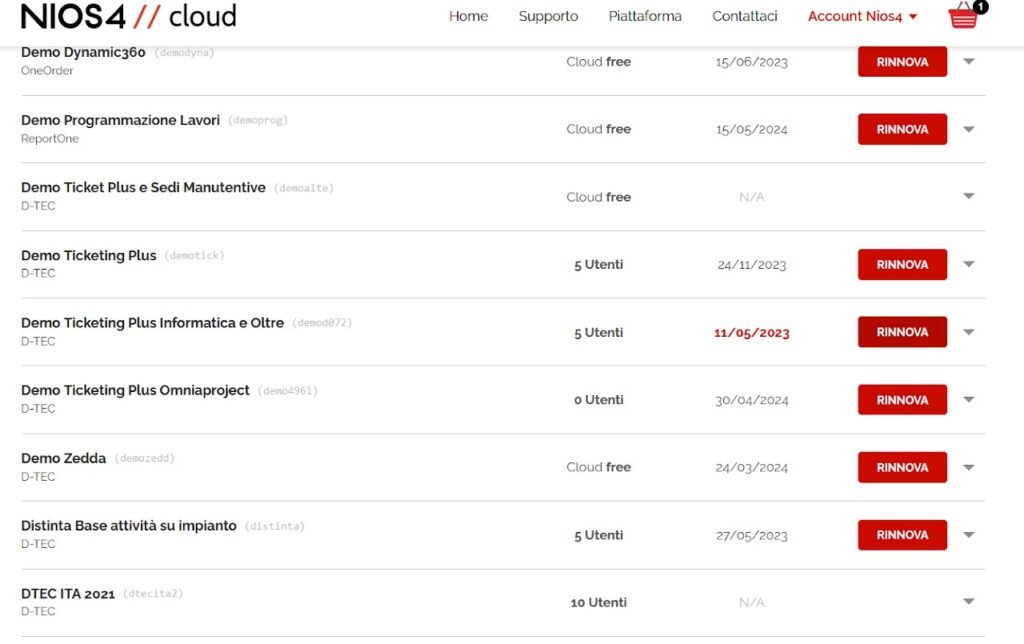
Click “My Cloud databases” to see the list of all the databases you’ve created, with their type and EXPIRY date.
The RENEW button lets you renew the selected Cloud. Here’s an example:
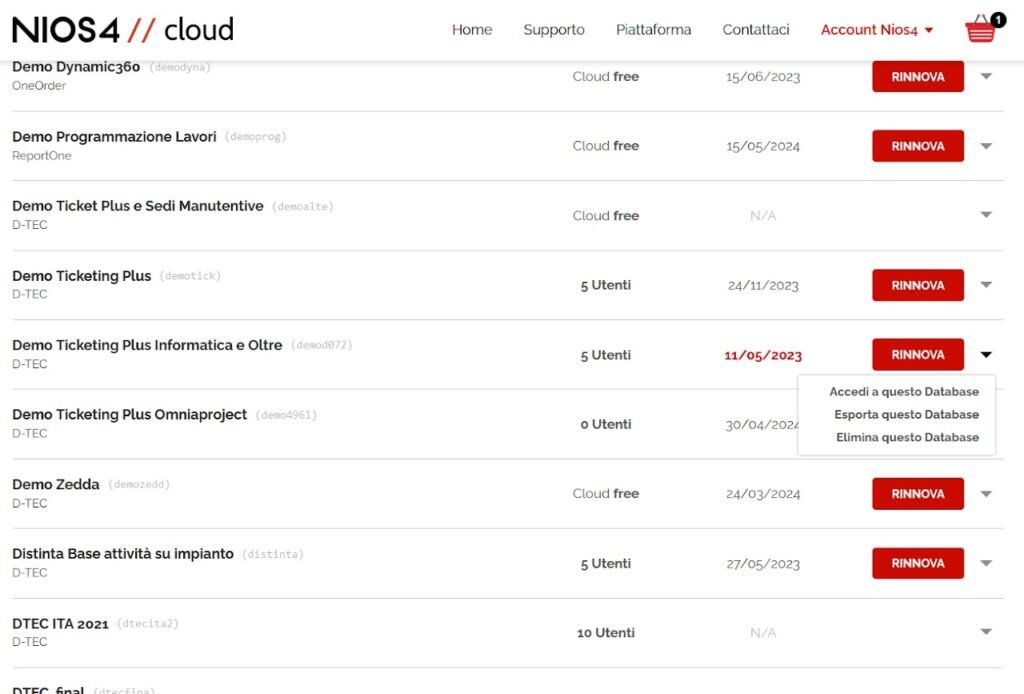
By clicking the grey down-arrow icon to the right of the Renew button, you can go straight to the program’s Web App, export the whole database to get a backup copy, or delete the database. This is what the sub-function menu looks like:
Password recovery
You can recover a forgotten password directly from the app by tapping the Login button and then Forgot password. We suggest ticking “log out from all devices“, so that at the next login with the new password the system downloads all the data with a full synchronization.
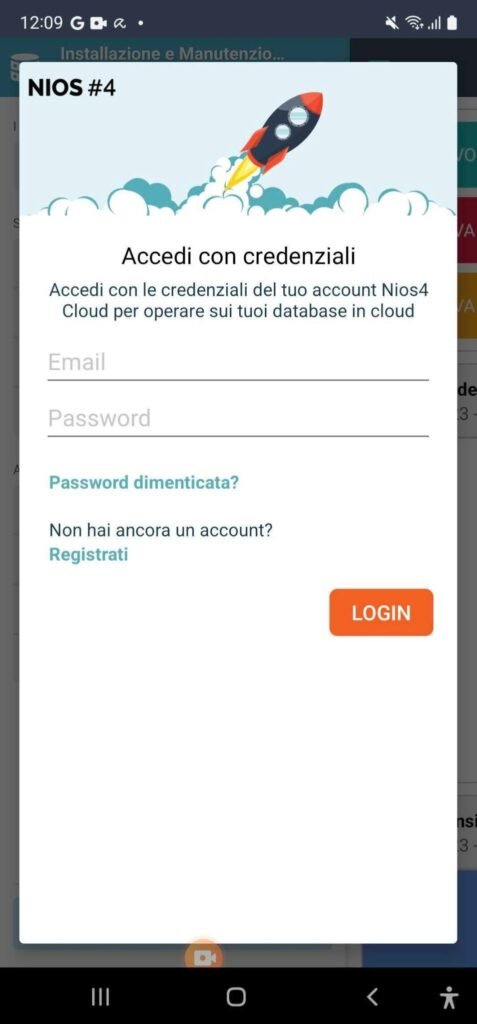
You can also use the web version in a browser and click this link:
https://nios4.cloud/password-reset
Registering a new account in the app
After creating the new Cloud Users, they need to sign in for the first time, so they can register directly in the app using the email address at which they received the database invitation. After downloading the app on the user’s device, just tap Register and enter the email and a password. Then select the Cloud Database and you’re ready to go.
You can also register a new account from the web in a browser:
https://web.nios4.com/
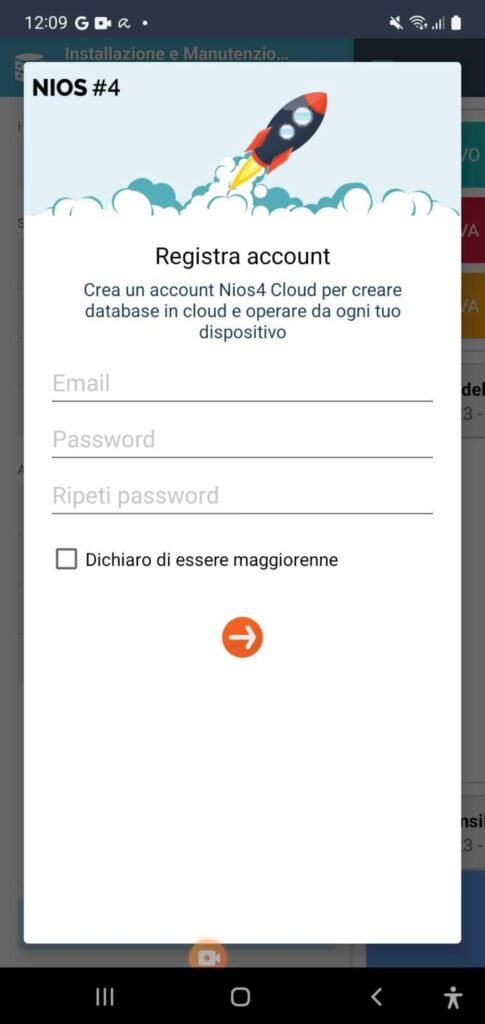
If instead you want to register new users from the web, just click the link below and enter the email and password.
https://nios4.cloud/index.php?page=signup
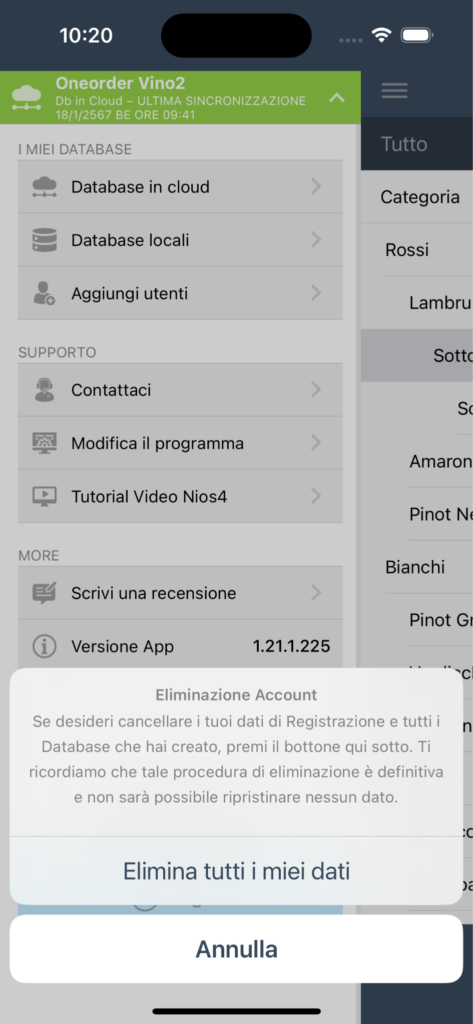
Deleting a Nios4 account
Please note: deleting the account also deletes all the databases owned by the user, so read the information message carefully before permanently deleting the account.
Deleting a Nios4 account in the iOS app