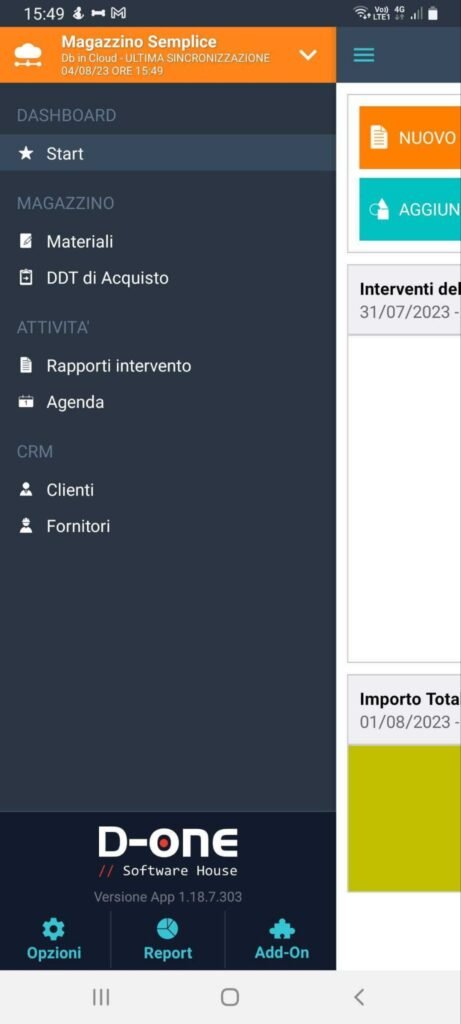
This page shows the form of the special Info table. This table holds the letterhead and all the company’s specific details.
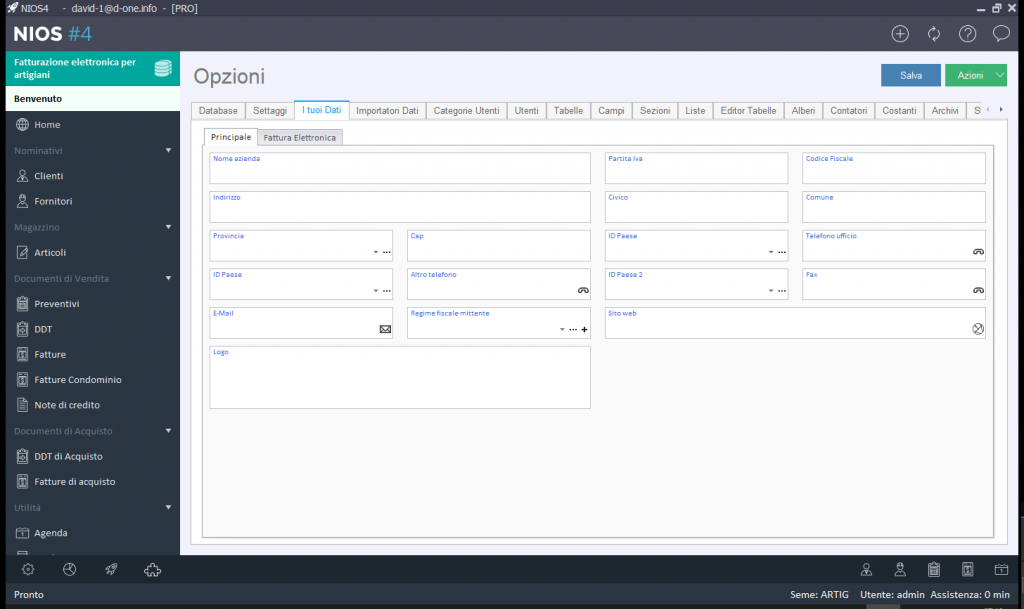
You can modify this form through field and layout management.
Your company logo in place of the Nios4 logo
To show your logo instead of the Nios4 logo inside the program on all 5 operating systems, follow this procedure:
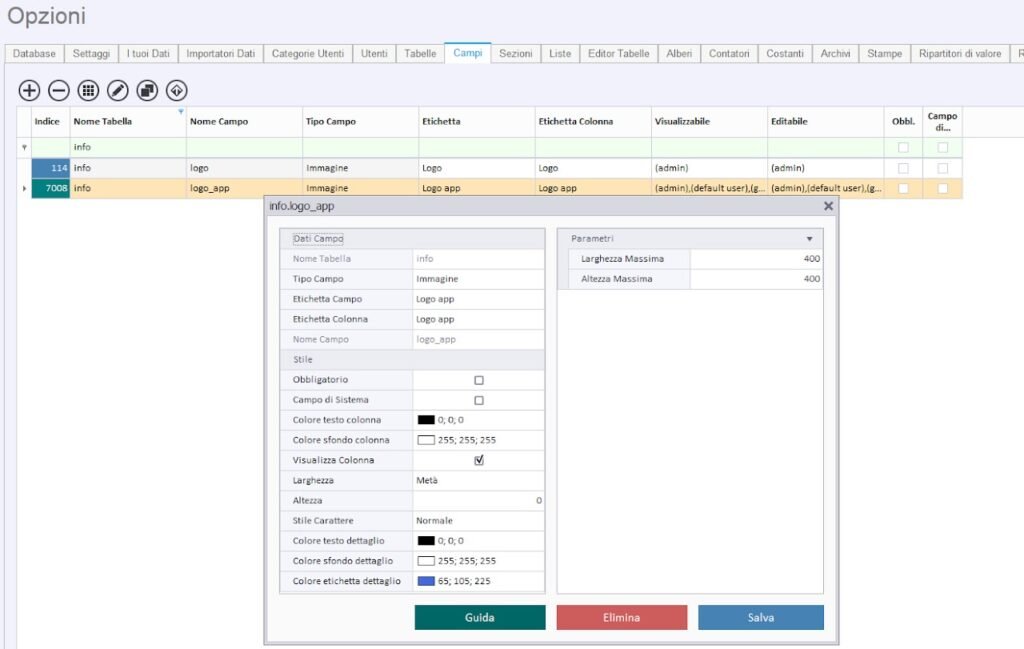
From the Options icon in the Windows, Web or macOS version, add the field Logo App, of type Image, to the info table and save.
The Logo App field appears in the Your data tab: you can now upload YOUR company logo.
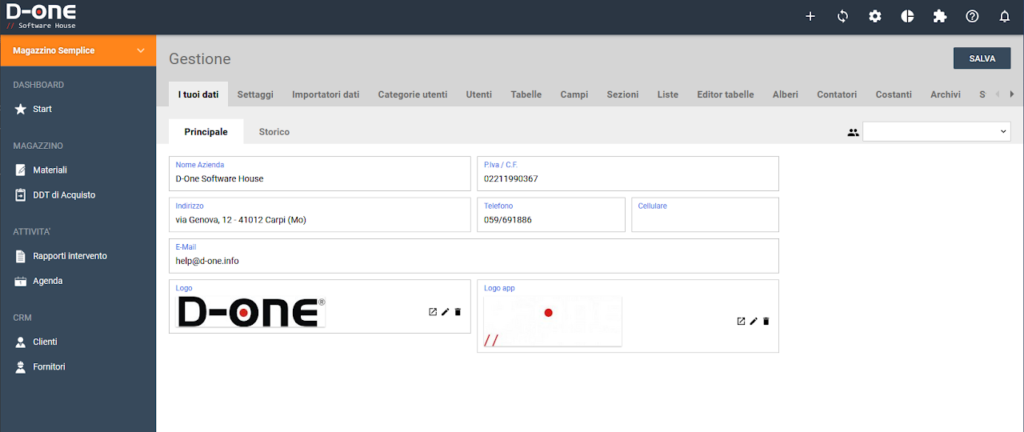
Please note: in the Web App, after synchronizing, refresh the page to update the logo image.