
Write triggers modify the database data when the form is saved. For example, you can keep a history of an item’s prices and who it was sold to.
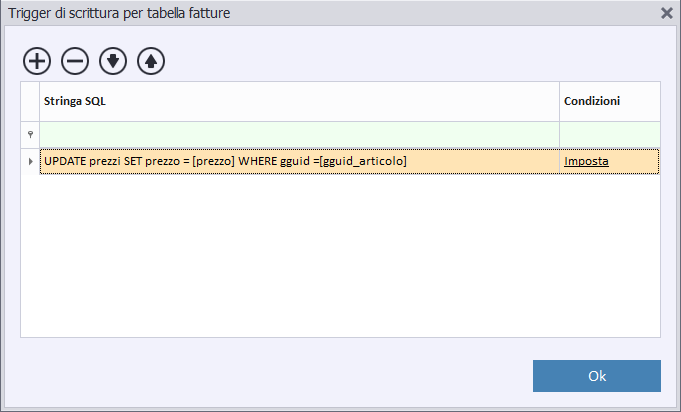
The left column contains the SQL string that updates the values. All the fields in square brackets are replaced with the actual values of the form at the time of saving.
As with read triggers, you can set specific conditions so the trigger fires only in certain situations.